



How to Find Drop-In Replacements for Obsolete Electronic Components Quickly
"Line down." These are arguably the two most terrifying words for any hardware engineer, procurement manager, or EMS professional. You receive a sudden EOL (End of Life) notice, or your CM (Contract Manufacturer) informs you that a critical microcontroller or power IC is out of stock globally. Production halts, and the dreaded prospect of a complete PCB redesign looms over your team.
When faced with component obsolescence, panicking is not a strategy. You need a structured, data-driven approach to cross-reference parts, decode datasheets, and secure inventory without falling into the traps of the grey market. In this comprehensive guide, you will learn the exact workflows used by veteran engineers to find pin-to-pin compatible drop-in replacements, master parametric searches, and safely navigate independent distributors when authorized stock runs dry.
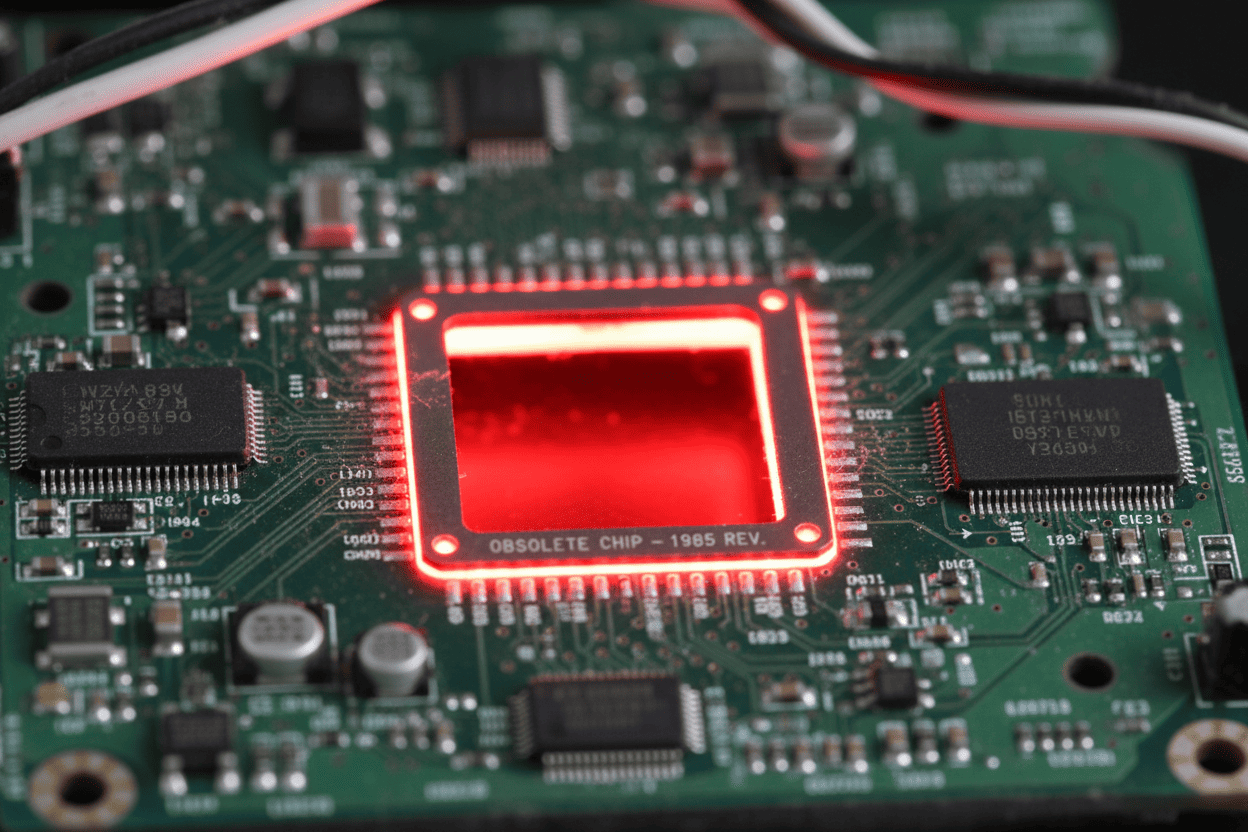
Table of Contents
- 1. Understanding EOL and PCN: Why Fast Cross-Referencing is Critical
- 2. Core Concepts Simplified: Drop-in vs. Functional Replacements
- 3. Step-by-Step Guide: How to Cross-Reference Like a Pro
- 4. Expert Tips & Common Pitfalls: Surviving the Grey Market
- 5. Conclusion & Final Thoughts
1. Understanding EOL and PCN: Why Fast Cross-Referencing is Critical
In the electronics supply chain, components do not live forever. Manufacturers regularly issue PCN (Product Change Notifications) for minor tweaks (like a change in mold compound) and EOL (End of Life) notices when a part is permanently discontinued.
Ignoring these signals leads to catastrophic production delays. For small to medium-sized enterprises (SMEs) that cannot afford the luxury of bulk-buying a 5-year buffer stock (Last Time Buy - LTB), the ability to quickly execute a datasheet cross-referencing strategy is a survival skill.
The ultimate goal? To find a replacement that requires zero PCB layout changes and zero firmware rewrites. Every modification to the board introduces new risks in EMI/EMC compliance, thermal management, and software bugs, costing thousands of dollars in re-validation.
2. Core Concepts Simplified: Drop-in vs. Functional Replacements
Before diving into distributor databases, you must understand the exact type of replacement you are hunting for. Hardware engineers generally categorize alternatives into two buckets.
Think of it like replacing a lightbulb in your house.
A Drop-in Replacement (Pin-to-Pin Compatible) is like buying a new LED bulb with the exact same E26 screw base as your old incandescent bulb. You just screw it in, and it works. In electronics, this means the new IC has the identical physical footprint (e.g., SOIC-8), and every single pin (VCC, GND, I/O) performs the exact same function as the original.
A Functional Replacement, on the other hand, is like buying a smart light strip when your old bulb dies. It still provides light (performs the same logic/function), but you need to rewire your wall switch and change the mounting brackets to make it work. In PCB design, this means the new chip might have a different package (e.g., QFN instead of QFP) or a different pinout, forcing you to redesign the circuit board.
Replacement Strategy Comparison Table
| Feature | Drop-in Replacement (Pin-to-Pin) | Functional Replacement |
|---|---|---|
| Physical Footprint | Identical (e.g., both are SOT-23-5) | Different (e.g., moving from SOP to DFN) |
| Pin Configuration | Exact match (VCC, GND, signals align) | Different pinout mapping |
| PCB Redesign Required? | No (Direct swap on the BOM) | Yes (Requires new gerber files/routing) |
| Firmware Changes? | Rarely (Registers usually match) | Highly Likely (Different memory maps/drivers) |
| Engineering Cost | Very Low | High (Validation, testing, prototyping) |
| Priority Level | ⭐⭐⭐⭐⭐ (Always seek this first) | ⭐⭐ (Fallback option only) |
3. Step-by-Step Guide: How to Cross-Reference Like a Pro
Finding a replacement is not about typing the exact part number into Google. It requires a systematic filtering process. Here is the foolproof method to find alternatives without relying on expensive enterprise software.
3.1 Scenario A: Mastering Parametric Search on Authorized Distributors
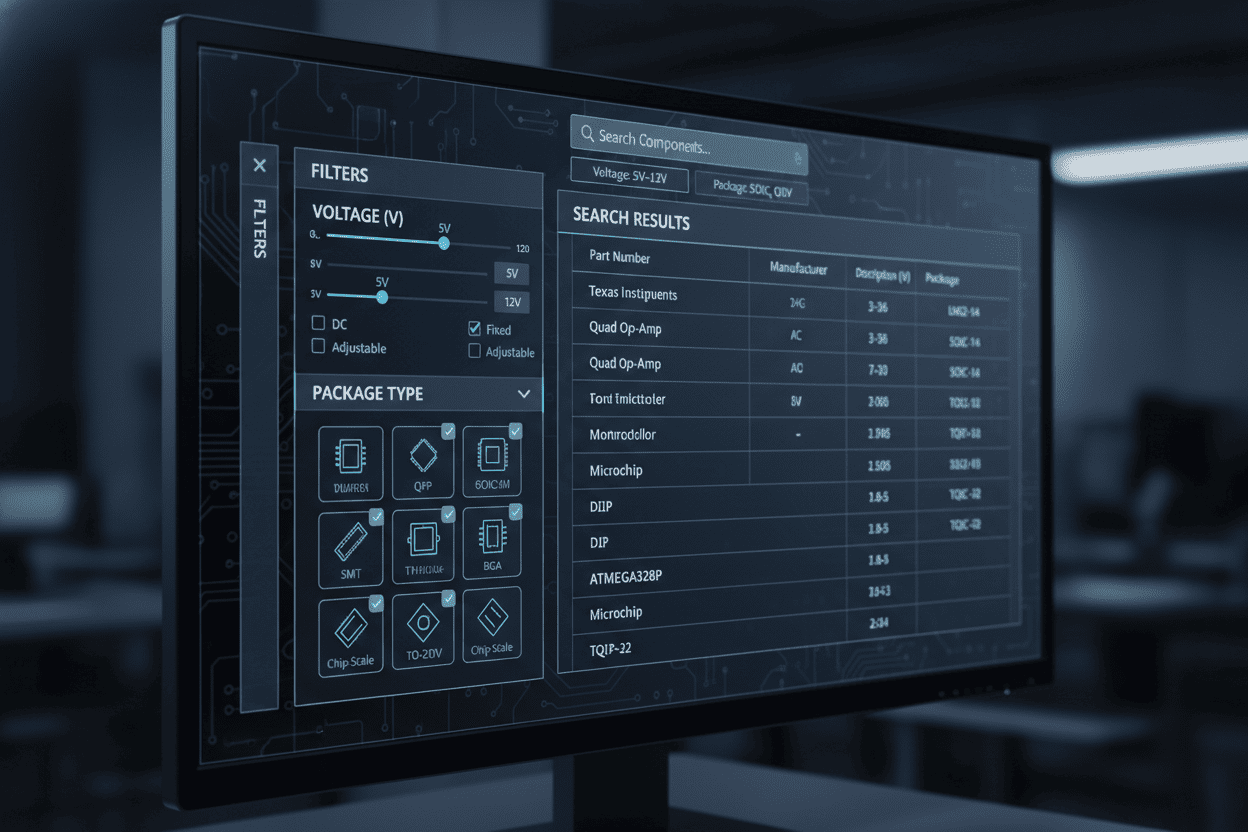
If you are looking for a standard component (like an LDO regulator, op-amp, or MOSFET), parametric search tools on platforms like Digi-Key or Mouser are your best friends.
Think of parametric search like buying shoes on Amazon. You don't search for "Nike Air Max 2019" if it's discontinued; you search for "Men's running shoes, Size 10, Black, Under $100."
Step 1: Extract the "DNA" from the Original Datasheet Open the datasheet of your obsolete part. Do not look at the marketing features; go straight to the "Electrical Characteristics" and "Package Outline" sections.
Step 2: Apply Filters in Strict Order Go to a distributor's parametric search engine. Apply your filters in this exact sequence to avoid filtering out viable options:
- Package / Case: (e.g., 0805, SOT-23, QFN-32) - This guarantees physical fit.
- Core Specs: (e.g., Voltage Input/Output, Current Rating, Resistance).
- Pin Count: Must be identical.
- In Stock: Only show active, orderable parts.
3.2 Scenario B: Leveraging Cross-Reference Aggregators
When dealing with complex ICs (like MCUs or specialized transceivers), manual parametric search might take hours. This is where cross-reference engines like Octopart or Findchips come into play. These tools act as the Google of electronic components.
When you input an EOL part number, these databases analyze the specifications and suggest alternatives with similar "DNA" from competing manufacturers (e.g., suggesting a Texas Instruments chip to replace a discontinued Maxim Integrated part).
Essential Specifications Data Checklist for Cross-Referencing
When evaluating the aggregator's suggestions, always download both datasheets (Original vs. New) and compare these critical parameters side-by-side:
| Specification Category | What to Verify in the Datasheet | Risk of Ignoring |
|---|---|---|
| Absolute Maximum Ratings | Do the VCC and GND tolerances match? | Catastrophic failure / Magic smoke. |
| Thermal Resistance (θJA) | Does the new chip dissipate heat as well? | Overheating in enclosed environments. |
| Logic Levels (VIH/VIL) | Are the High/Low thresholds identical? | Unreliable communication (I2C/SPI failures). |
| Timing Characteristics | Rise/Fall times, propagation delays. | High-speed signal integrity issues. |
4. Expert Tips & Common Pitfalls: Surviving the Grey Market
If no drop-in replacements exist and you absolutely cannot redesign the board, you might be forced to hunt for the original EOL part in the "Grey Market" (independent, non-authorized brokers).
A quick browse through engineering forums like EEVblog or Reddit’s r/AskElectronics will reveal countless horror stories of companies losing thousands of dollars to counterfeit components.
The Golden Rule of the Grey Market: If it looks too good to be true, it is fake.
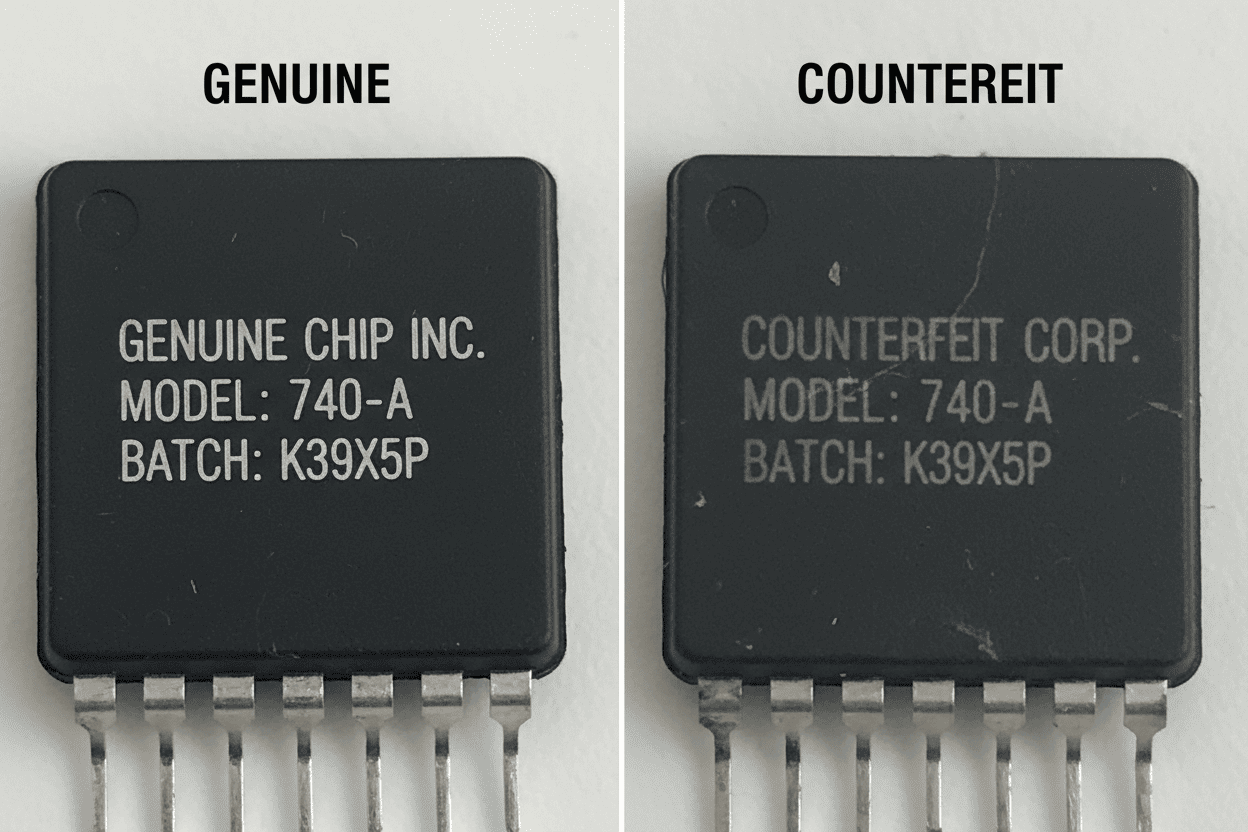
If a highly sought-after STM32 microcontroller has been EOL for three years, and a random website suddenly claims to have 50,000 units in stock at below-market prices, you are likely looking at refurbished trash or outright counterfeits (e.g., empty plastic shells with laser-etched fake logos).
How to Avoid Counterfeits and Bad Brokers
- Demand Traceability Documents: Always ask the broker for a CoC (Certificate of Conformity) or traceability back to the original component manufacturer (OCM). If they refuse or make excuses, walk away.
- Beware of "Refurbished" Parts: Counterfeiters often buy e-waste, desolder the chips, wash them in acid, re-tin the pins, and sell them as "New Old Stock" (NOS). These chips have been subjected to immense thermal stress and will likely fail in the field.
- Use Escrow or Net Terms: Never pay upfront via wire transfer to an unknown broker. Use platforms that offer buyer protection or demand Net-30 payment terms so you have time to test the parts.
- Invest in X-Ray or Decapsulation Testing: If you are buying a large batch of expensive EOL chips from a broker, send a sample to a third-party testing lab. They will X-ray the chip to ensure the internal wire bonds actually exist and match the original manufacturer's die layout.
5. Conclusion & Final Thoughts
Component obsolescence is an inevitable part of hardware engineering, but it doesn't have to paralyze your production line. By prioritizing pin-to-pin compatible drop-in replacements, mastering the art of parametric datasheet filtering, and maintaining a healthy skepticism when dealing with independent brokers, you can resolve EOL crises swiftly and safely.
Frequently Asked Questions (FAQ)
Q1: What is the difference between a Drop-in Replacement and a Functional Replacement? A: A Drop-in Replacement (Pin-to-Pin) has the exact same physical footprint and pin configuration as the original IC, requiring zero PCB redesign. A Functional Replacement performs the same core logic but may have a different package or pinout, requiring board modifications and firmware updates.
Q2: Where should I start searching for EOL component replacements? A: Start with parametric search tools on authorized distributors like Digi-Key and Mouser. Filter by package type first, then core electrical specs, pin count, and stock availability. For complex ICs, use cross-reference aggregators like Octopart or Findchips.
Q3: What is a PCN and why does it matter? A: PCN stands for Product Change Notification. Manufacturers issue PCNs when they change packaging, materials, or manufacturing locations for a component. Ignoring PCNs can lead to unexpected thermal, electrical, or mechanical performance changes that cause field failures.
Q4: Is it safe to buy EOL parts from the grey market? A: Only as a last resort. Grey market brokers carry high counterfeit risks. Always demand a Certificate of Conformity (CoC), traceability to the original manufacturer, and third-party X-ray or decapsulation testing before accepting any shipment.
Q5: What key specs must I verify when cross-referencing an IC? A: Always compare: Absolute Maximum Ratings (voltage/current tolerances), Thermal Resistance (θJA), Logic Level thresholds (VIH/VIL), and Timing Characteristics (rise/fall times). Never assume similar headline specs mean identical performance.
Q6: What is Last Time Buy (LTB) and how should I handle it? A: LTB is the final window to purchase a component before it goes permanently EOL. Calculate your remaining product lifespan and bulk-buy enough stock to sustain production, or immediately begin sourcing verified drop-in replacements.
Quick Summary
| Action Item | Best Practice | What to Avoid |
|---|---|---|
| Search Strategy | Use parametric filters on Digi-Key/Mouser starting with physical footprint. | Searching only by exact part number. |
| Replacement Type | Always prioritize Drop-in (Pin-to-Pin) replacements. | Defaulting to Functional replacements that require PCB redesigns. |
| Verification | Compare Absolute Maximum Ratings and Thermal specs side-by-side. | Assuming "similar" specs mean identical performance. |
| Sourcing EOL | Demand CoC (Traceability) and use third-party testing for grey market parts. | Buying cheap "New Old Stock" without verification. |
Next Steps: Don't wait for the next PCN or EOL notice to hit your inbox. Start building an alternative BOM (Bill of Materials) for your most critical components today. If you found this guide helpful, bookmark it for your next supply chain emergency and share it with your procurement team.